Free-start tool page
Free Image Extender AI
A practical AI image extender for creators, sellers, and listing teams who need one source photo adapted to multiple publishing ratios.
Try it here
Try the Free Image Extender AI workflow
Use a sample or upload your own image to preview the canvas before spending a credit.
- 1Upload
- 2
- 3
or drop photos here
JPG, PNG, WEBP · up to 5 images · 10 MB each
Source uploads and generated images are kept for 24 hours. Download results before they expire. Storage details
Workflow
Add the source image
Use JPG, PNG, or WEBP files up to 10 MB. You can stage up to 5 images in one batch.
Pick the canvas
Choose the exact output ratio before generation: square, portrait, vertical, widescreen, banner, or standard.
Guide difficult edges
Add a short direction when the border has floors, walls, signs, shelves, hands, or other details the AI must continue.
Generate and inspect
Check the original subject, corners, lighting, and any text before downloading or using the result commercially.
Use extension instead of cropping
Cropping removes context. AI extension keeps the existing subject and adds plausible background around it, which is useful when a person, product, room, or landscape was framed too tightly.
Free AI outpainting online
Outpainting is the technical name for this job: the AI generates new background that continues the scene — sky, walls, floors, studio surfaces — instead of stretching or squashing the pixels you already have. Upload and preview free; a free account covers your first finished images each month.
Avoid weak inputs
If a face, sign, hand, or product edge is already cut off, the AI may invent details. Crop to a cleaner border or write a direct prompt such as 'continue the white studio backdrop only.'
Before-and-after examples
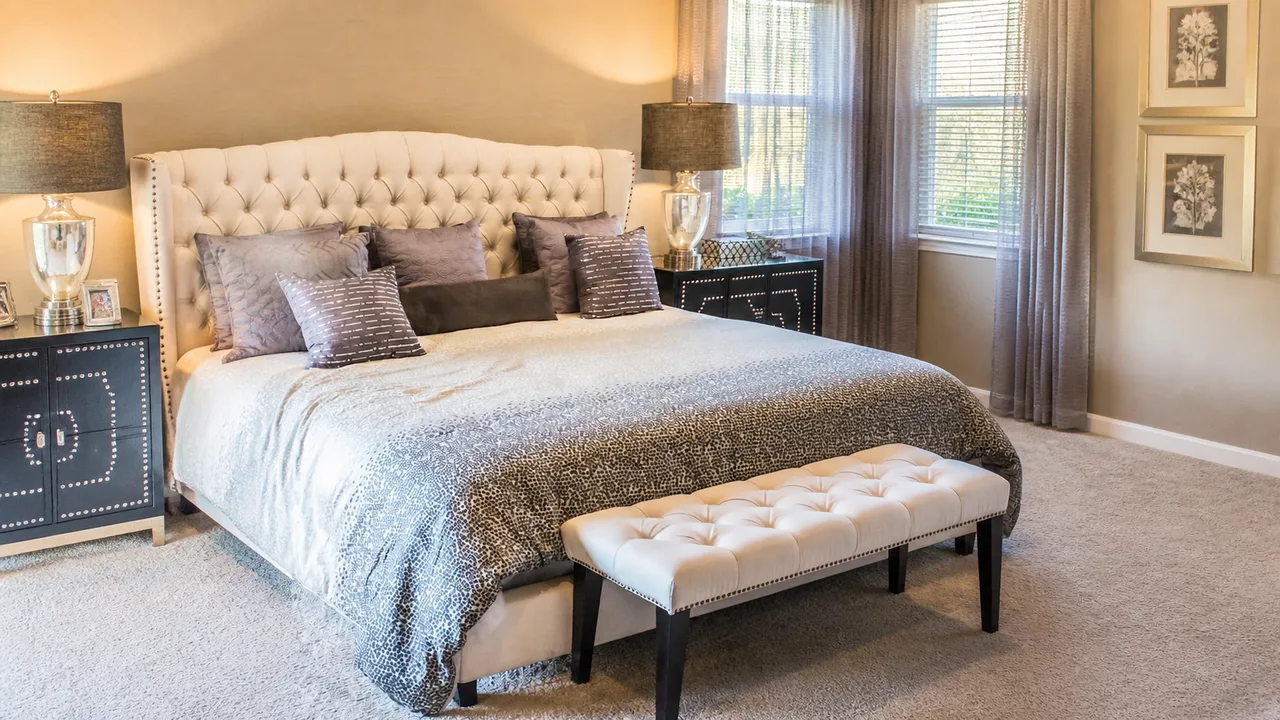
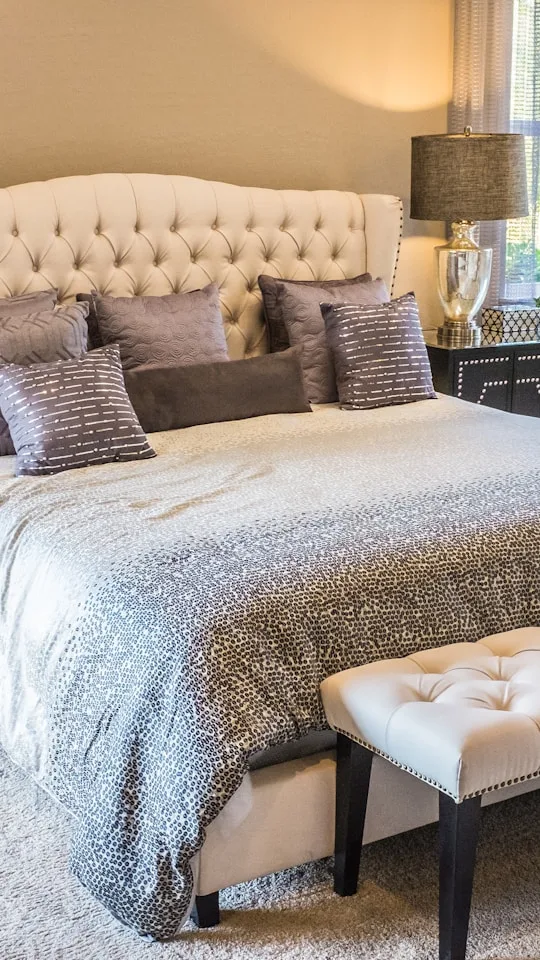
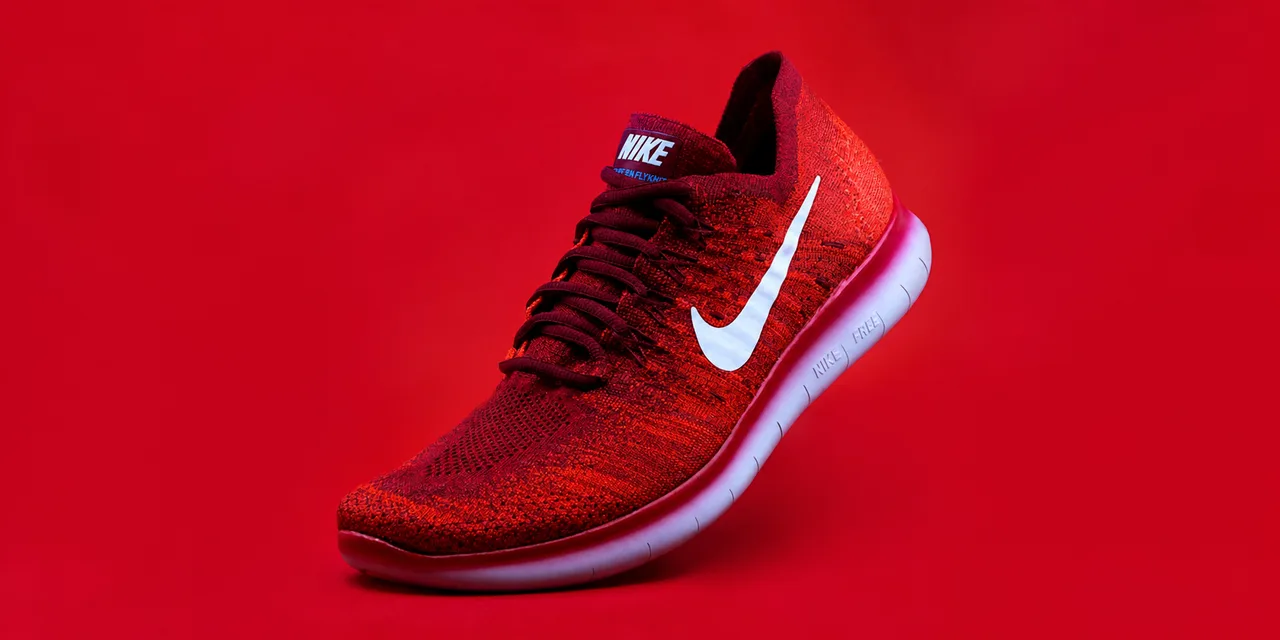
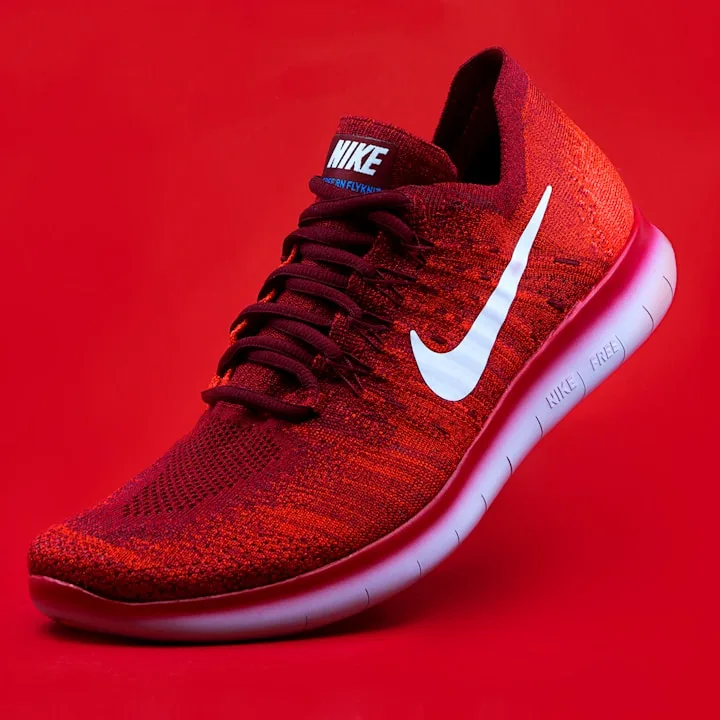
The small dashed frame is the original source at its original ratio. The larger solid frame is the extended result at the target ratio. Captions say when an example is an AI illustration.
Quick answers
Is AI Image Extender free to start?
Yes. You can upload and prepare images before sign-in. A free account includes 5 monthly credits, and each finished outpainted image uses 1 credit.
Does it crop or change the original subject?
It is designed to generate new background outside the current frame rather than crop the subject, but exact preservation is not guaranteed. Compare faces, products, logos, and text with the source before publishing.
Which images work best?
Continuous backgrounds such as sky, walls, floors, studio surfaces, rooms, and simple product backdrops work best. Busy borders need a prompt hint or a cleaner crop.
Related pages
- AI Image ExtenderBrand home — full tool, examples, and quality checks
- Best AI to Extend ImageWhat to check before choosing a tool
- 16:9 WidescreenYouTube, listing, blog, and slide canvases
- 9:16 VerticalTikTok, Reels, Stories, Shorts
- E-commerce WorkflowProduct photos for marketplaces and shop banners